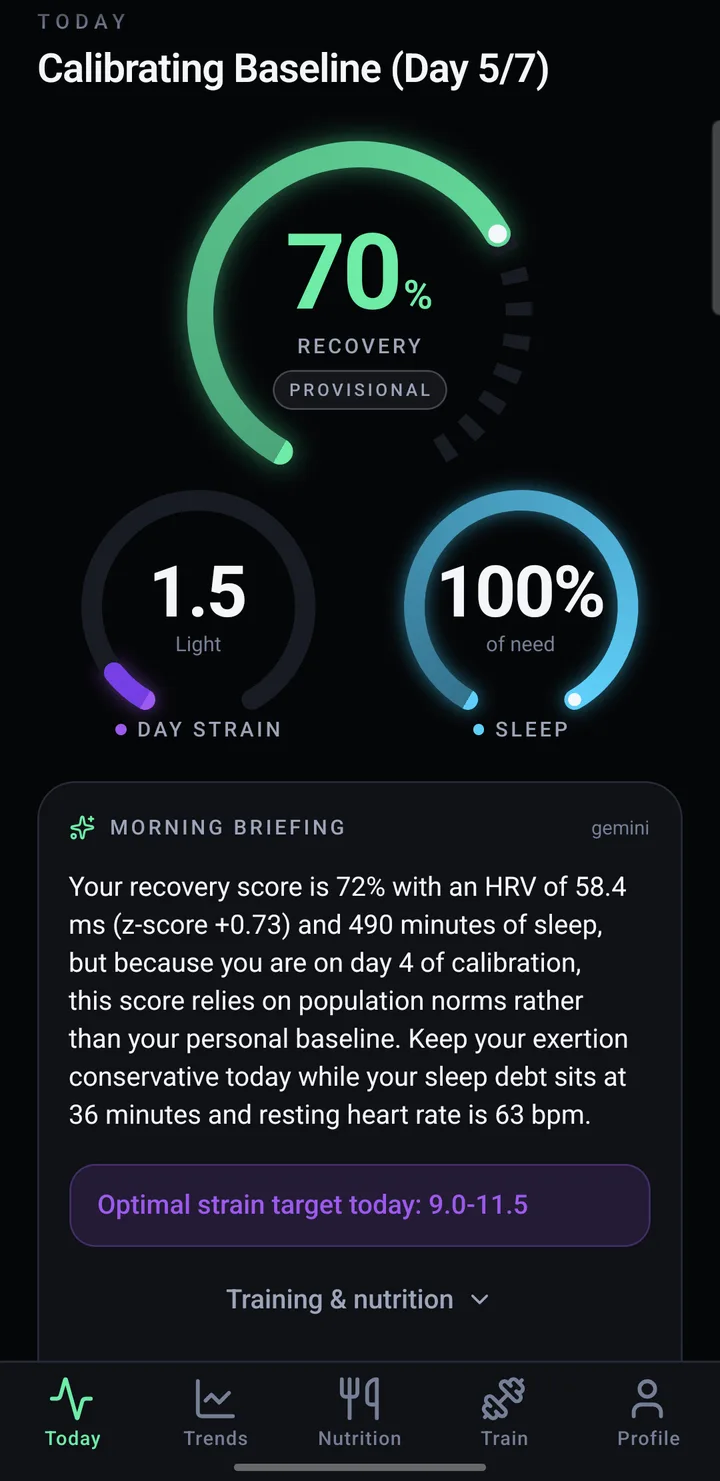
Today
Recovery, strain and sleep at a glance, and a short note on what to do with them.
FIVIT reads your watch through Health Connect and tells you each morning how hard to go. This is the private beta for Android.
Android 9 or newer · invite only
Last night's heart-rate variability and resting heart rate, set against your own 30-day normal, plus how much of your sleep you got.
Worked out on your phone, from your own data, against your own normal.
Recovery, strain and sleep at a glance, and a short note on what to do with them.
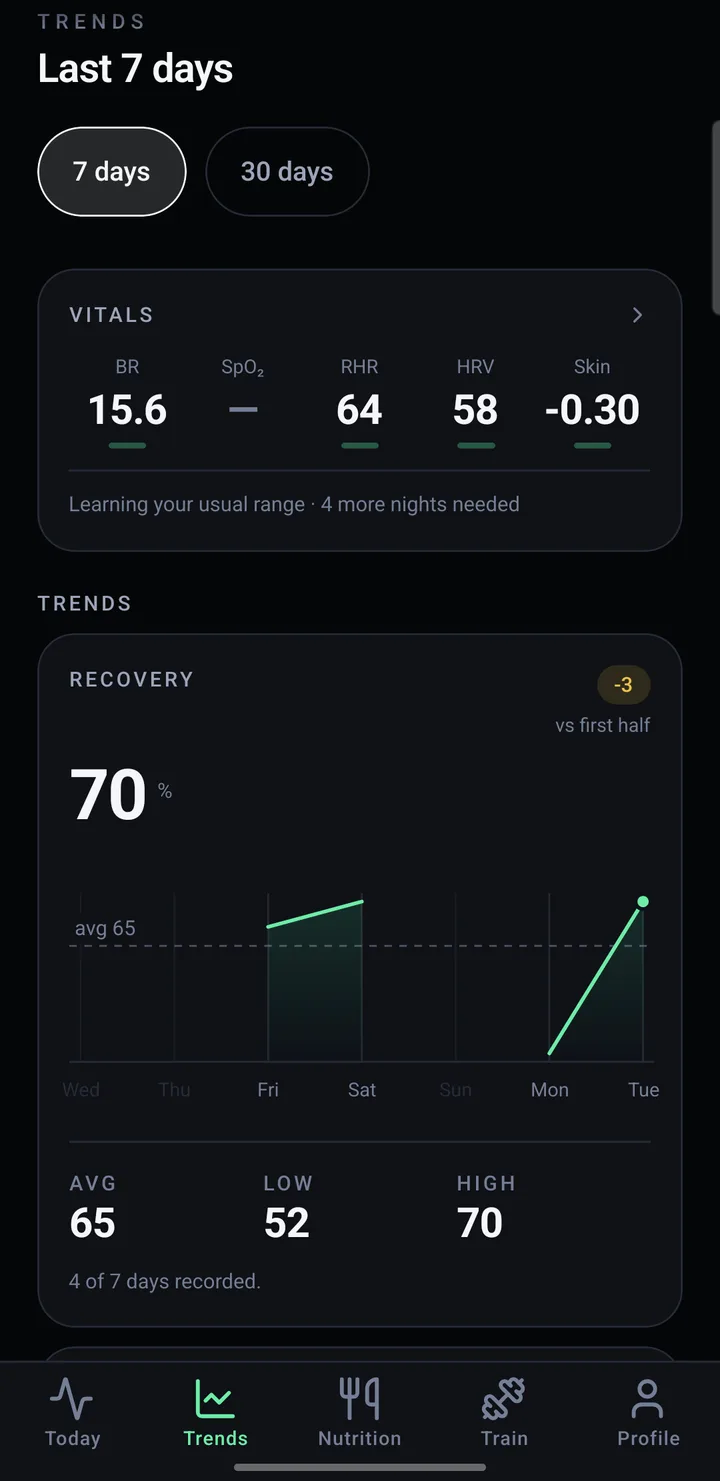
Your vitals over 7 and 30 days, so a bad night reads as one night and a slide reads as a slide.
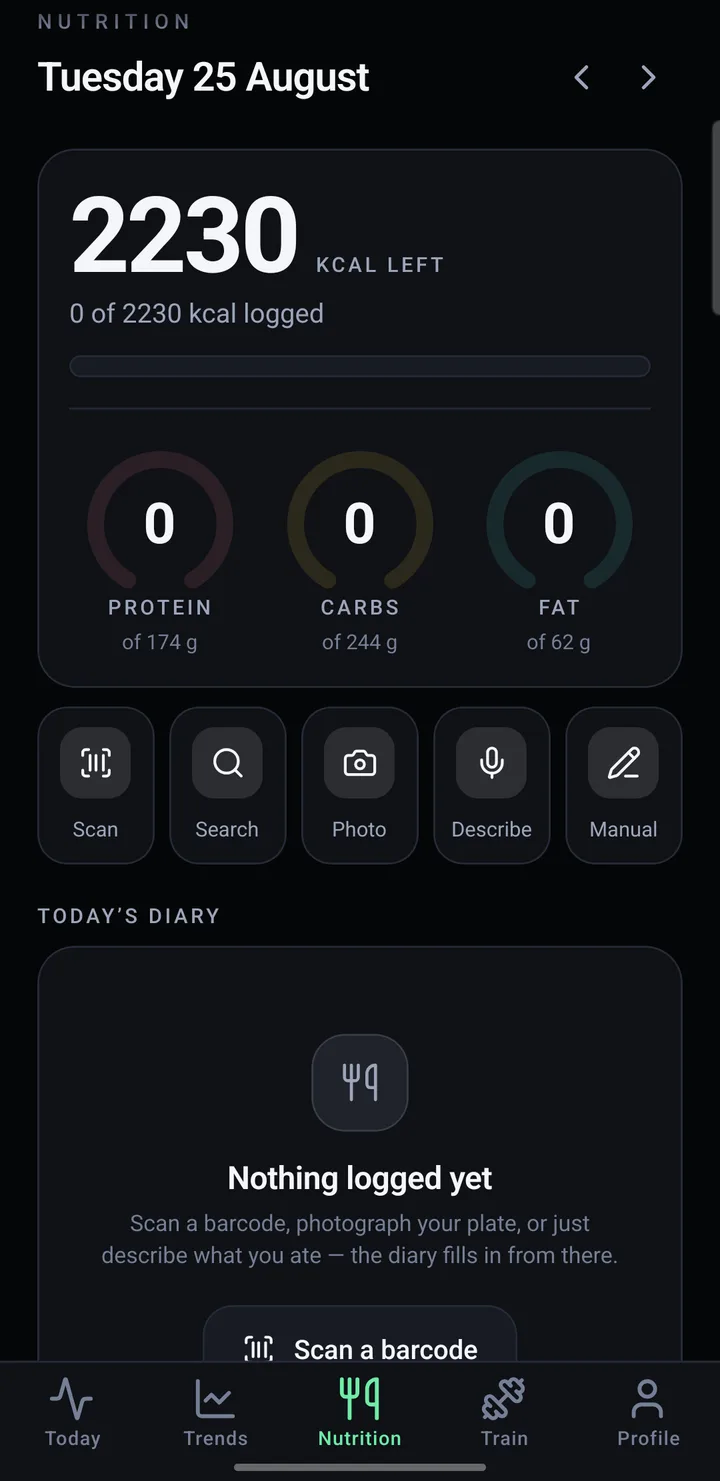
Scan a barcode, search Dutch and German supermarket food, or save your own recipes.
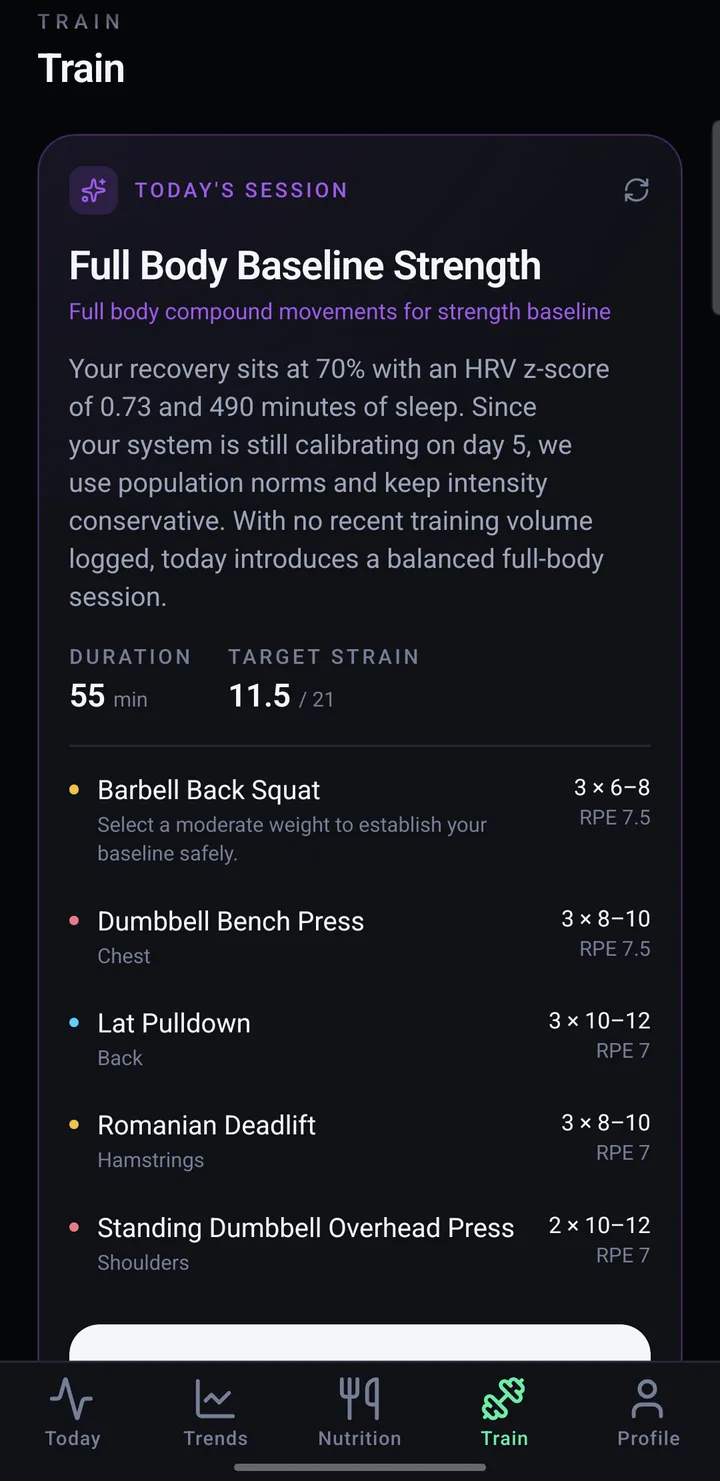
Log sets as you lift, record runs with a map, or add a session your watch missed.
Screens from an earlier build. Yours will look a little newer.
First, download it on your phone.
Open this page on the Android phone itself and tap Download. Chrome warns about every app that doesn't come from the Play Store. Tap Download anyway.
Then let Android install it.
Open the file. Allow installs from Chrome when asked, once. If Play Protect calls the developer unknown, tap More details, then Install anyway. It says that because FIVIT isn't on the Play Store yet.
Then make your account.
Use the email address you gave Ateeksh: the beta is invite only. Confirm it from the email that arrives, then sign in. On your own FIVIT server? Scan the QR code you were sent first.
Last, give it your health data.
Turn on every Health Connect permission it asks for. Then go to Settings, Apps, FIVIT, Battery and choose Unrestricted, or the morning briefing can't arrive while the app is closed.
Recovery compares last night with your own normal, and it needs seven nights to learn what normal is. Until then it leans on population averages and says so. Wear your watch to bed every night of the first week.
Anything that writes heart rate and sleep to Health Connect, such as Fitbit and Pixel Watch, or a Galaxy Watch through Samsung Health. Health Connect is built into Android 14 and newer, and is a free app from the Play Store on Android 9 to 13.
Some watches don't share heart-rate variability. Recovery then leans on your resting heart rate, which works, but is less sharp.
No. You choose when you sign up and can change it in Profile. Your scores never come from AI either way: recovery, strain and calories are plain arithmetic on your phone.
With AI on, your scores, sleep, training and food details are sent to Google Gemini to write the briefing and read meal photos. With it off, nothing about you goes to an AI provider. The AI coach is for people 18 and over.
Raw heart-rate samples stay on your phone. Daily summaries, workouts, meals and your profile are stored in a private database so they survive a new phone. Only your account can read them; Ateeksh, as the person running it, technically can. The privacy note has the details.
Most arrive by themselves: close FIVIT and open it twice, and you have the new version. Bigger ones need a new download; the app tells you, and installing over the top keeps all your data.
Tap "Forgot password" on the sign-in screen. The email links to a reset page on this site, where you choose a new one. It works on a laptop too.
No. FIVIT is a training and lifestyle tool. If something it shows worries you, or you feel unwell, talk to a doctor.
Profile, then Delete account. It removes everything stored about you on the server, at once. Then uninstall the app.
A bug, a number that looks wrong, an idea, or a friend who wants in. It goes straight to Ateeksh.
Opens your email app with this filled in.
Mention your phone model and the app version in Profile.